Streamline Your Business with Appverse Workflows
With Appverse Workflows, managing business processes becomes seamless. Trigger actions based on real-time events, apply conditional logic for precision, and ensure team alignment with instant notifications, all while scaling effortlessly to meet growing demands.
Get Started with Appverse
Introduction to Workflows
Flexible, Scalable and Highly Responsive
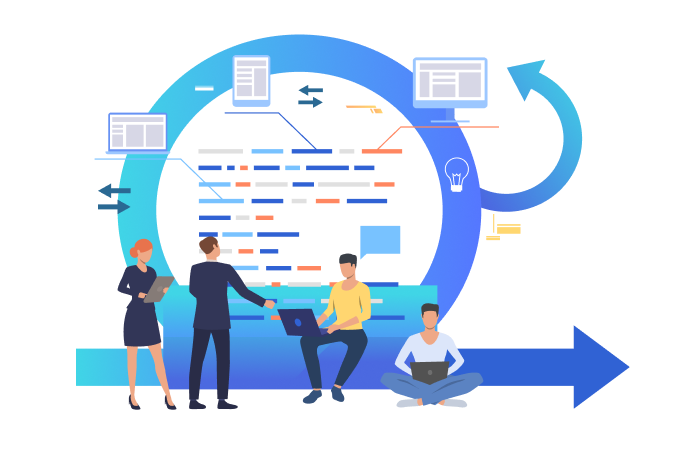
Appverse's workflow management system is built to adapt to your business processes. By automating steps through events, actions, conditions and notifications, Appverse ensures your workflows are seamless and efficient.
Key Elements of Appverse Workflows

Events
Define the conditions under which actions occur. Whether triggered automatically or manually, events set the workflow in motion.

Actions
Actions are the building blocks of workflows, triggered by events to execute tasks such as saving data, updating statuses, or locking records.

Conditions
Appverse enables smart workflows with conditions that ensure actions happen only when necessary, saving time and resources while maintaining accuracy.

Notifications
Real-time notifications provide instant updates about workflow events, enabling teams to act quickly and stay aligned with processes.
How Does it Work?
Events
- On Submission: Triggered when record is submitted or updated. Actions can run in the background to prioritize user-critical tasks.
- User-Initiated Actions: Executed manually by users through the Appverse Web Portal or Mobile App.
Actions
- Standard Action: Predefined tasks like saving data or locking records.
- Custom Actions: Configured to adapt workflows to unique business needs.
Conditions
Specify criteria to control when an action is executed, ensuring the workflow follows the intended sequence.
Notifications
Send alerts to relevant individuals when actions are executed based on specified conditions.
Featured Insights
View All BlogsThe 5 Best Enterprise No-Code Platforms in 2026
Not all no-code tools are built for scale. Which platforms actually meet enterprise requirements for security and power?
Top 10 Bubble.io Alternatives for 2026: Best AI-Powered No-Code Platforms Compared
Compare the top 10 Bubble.io alternatives for 2026. Discover AI-powered no-code platforms like Appverse, FlutterFlow, and more.
Integrating No-Code Apps with Legacy Systems: The Smart SMB Strategy
Replacing critical legacy systems overnight is impractical. Intelligent integration is the key to digital transformation.